A focused sculpting app for Mac.
Shape a mesh with brushes, build detail in layers, and move between subdivision levels.
Join the betaFree during the beta. The download comes by email.
Brushes shape the form
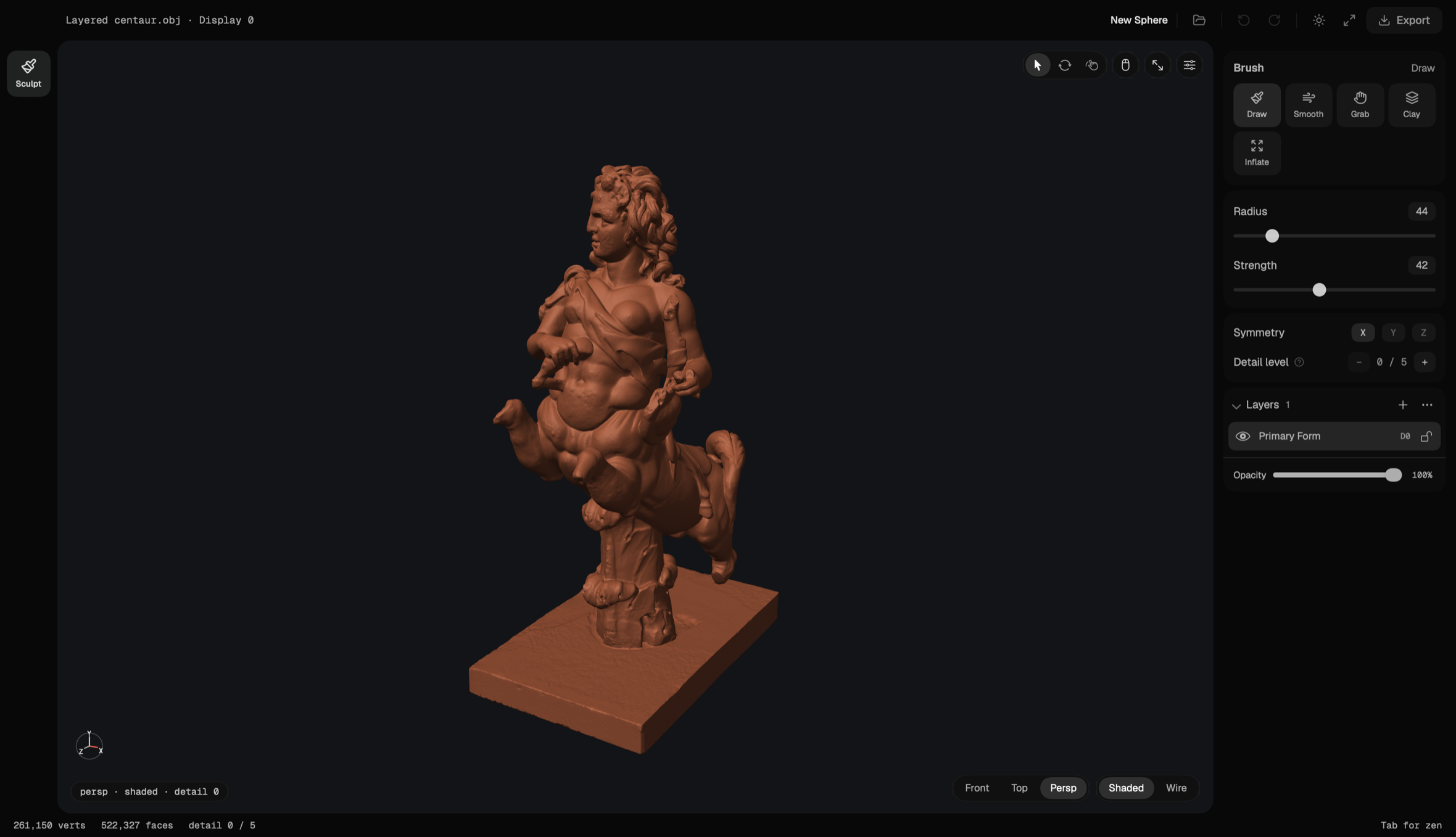
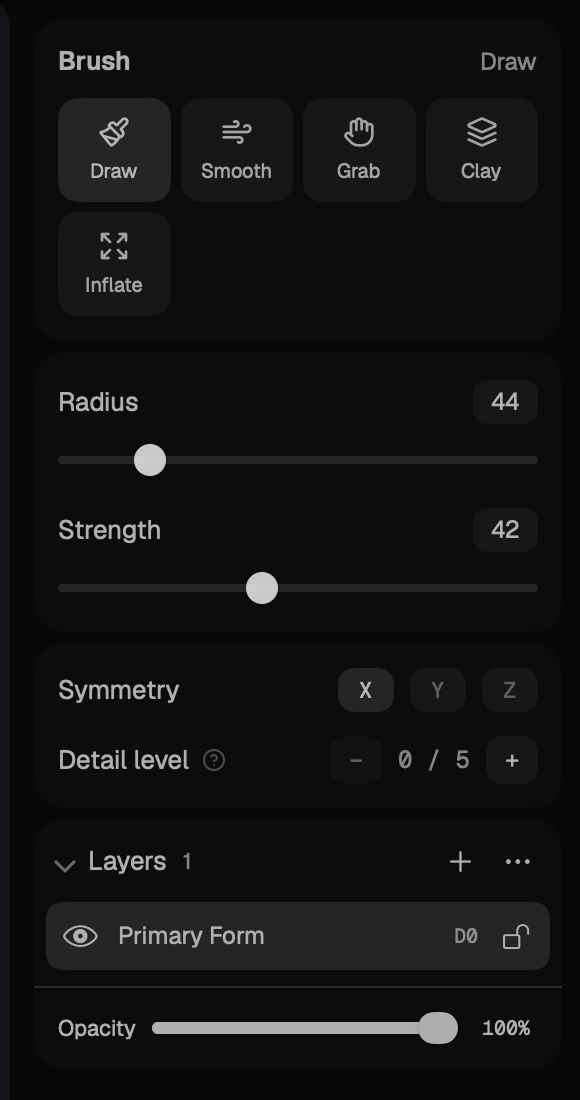
Five brushes: Draw, Smooth, Grab, Clay and Inflate. Pull a silhouette, build volume, soften the surface. Radius and strength are two sliders; symmetry mirrors across X, Y or Z.
Layers hold the detail
Keep changes separate on named layers: hide one, lock another, turn the opacity down. Step the detail level up for finer work, back down for the broad form.
A quiet workspace
One viewport, one panel. Choose studio, MatCap or wireframe shading to read the surface. Press Tab to leave just the mesh.
Questions
- Will Talla be free?
- Talla is free to download and use during the beta. Talla will be a paid product afterward; pricing will be announced before the beta ends. Joining the beta takes an email address; the app itself needs no account.
- Which Macs?
- Apple silicon. Talla is a native app and renders through Metal.
- Can I use my own models?
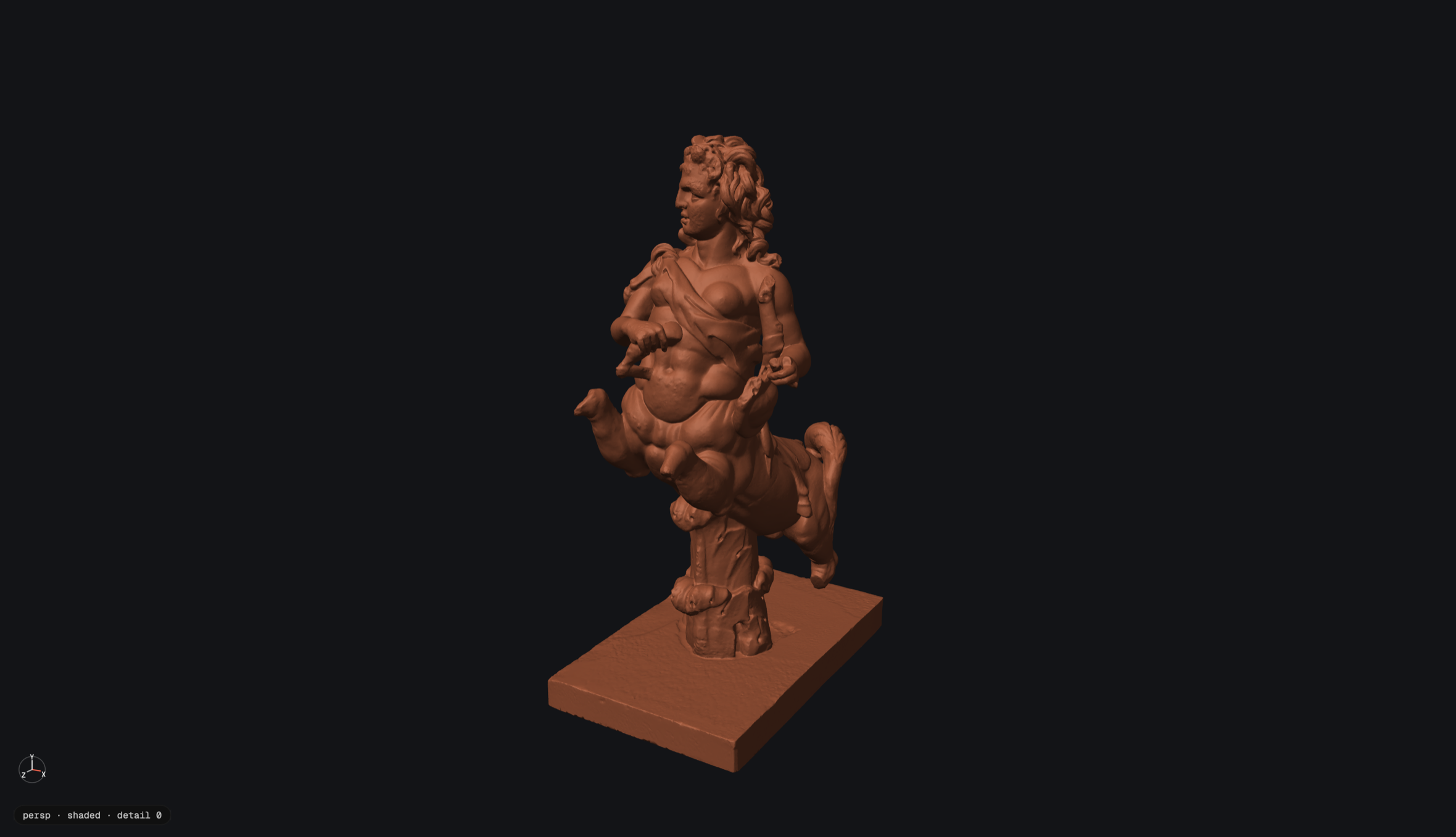
- Yes. Import an OBJ, PLY, or USD file (usda, usdc, or usdz), check it in the import preview, and sculpt. The centaur on this page is an imported model. When you’re done, export the detail level you’re viewing as OBJ, PLY, STL, or USD, or send it to Blender as a Multires object.
- Does anything leave my Mac?
- Your meshes never do: sculpting and mesh processing run locally, with no account. The one thing Talla sends is an update check, if you allow it. Details are on the privacy page.
Join the beta
Join and I’ll email you the download link, plus the occasional Talla update. Unsubscribe anytime.